AIJun 03, 2026
MCP Server: Role-Based Access Controls
Introducing finer-grained control over MCP AI agents with new RBAC actions to scope permissions on a project basis.
What it is
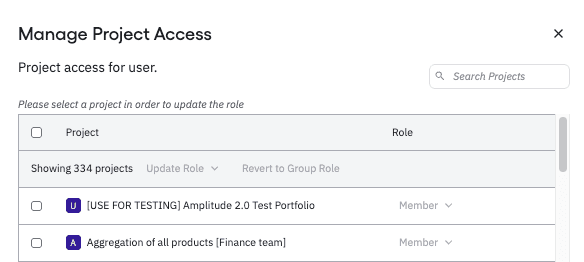
Description: As AI agents become a bigger part of how teams work with Amplitude, orgs need finer-grained control over what those agents can access and do. MCP sessions now respect role-based permissions at the project level — so you can scope exactly what an agent can read or write, without changing anything for users who don't need restrictions.
With this update, you can:
- Assign new READ and WRITE MCP actions to any role, user, group, or service account
- Restrict agent access on a project-by-project basis — agents can't touch projects they shouldn't
- Apply team-wide MCP access policies via group support
- Extend the same controls to service accounts for automated agent workflows
- Existing roles default to read and write enabled, so nothing changes until an admin explicitly configures restrictions.
Where: Access via Settings → Role Management → create or edit a role → toggle USE_MCP_READ / USE_MCP_WRITE in the AI/MCP section.
When: Available now on all plans.